MAGI-2 AI Video Generator

Turn an idea, a still image or a set of creative references into a moving story. With MAGI-2, you can shape the action, plan the camera and give your scene a soundtrack in the same generation.

  • Up to 30 seconds
  • 1080p output
  • Video with sound

Get 20 free credits to start exploring MAGI-2. Check the generation estimate before submitting.

Up to 15,000 characters.

—

Loading video settings…

Try a Video Prompt

Reference to Video

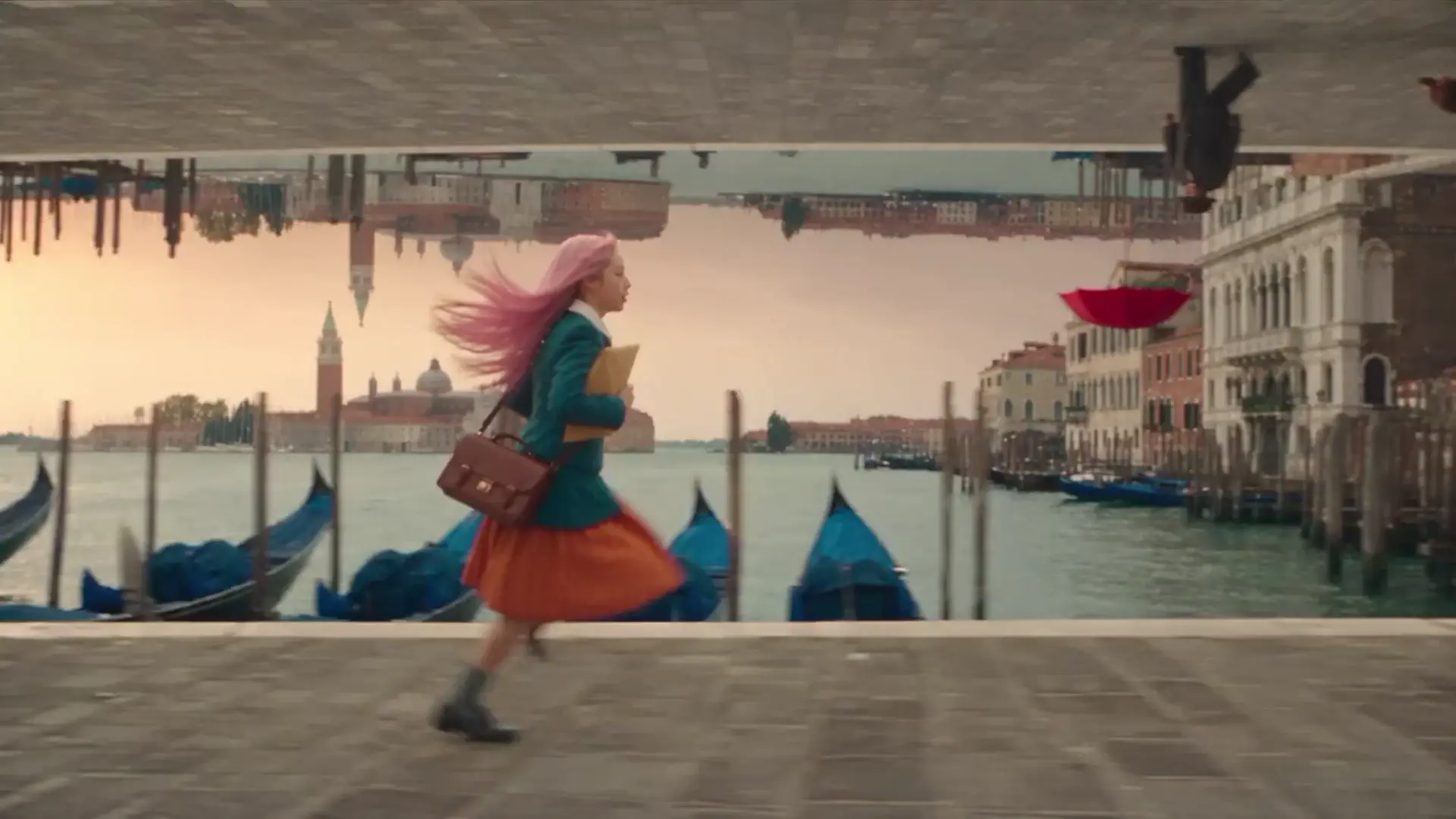
Venice Folds at Sunset

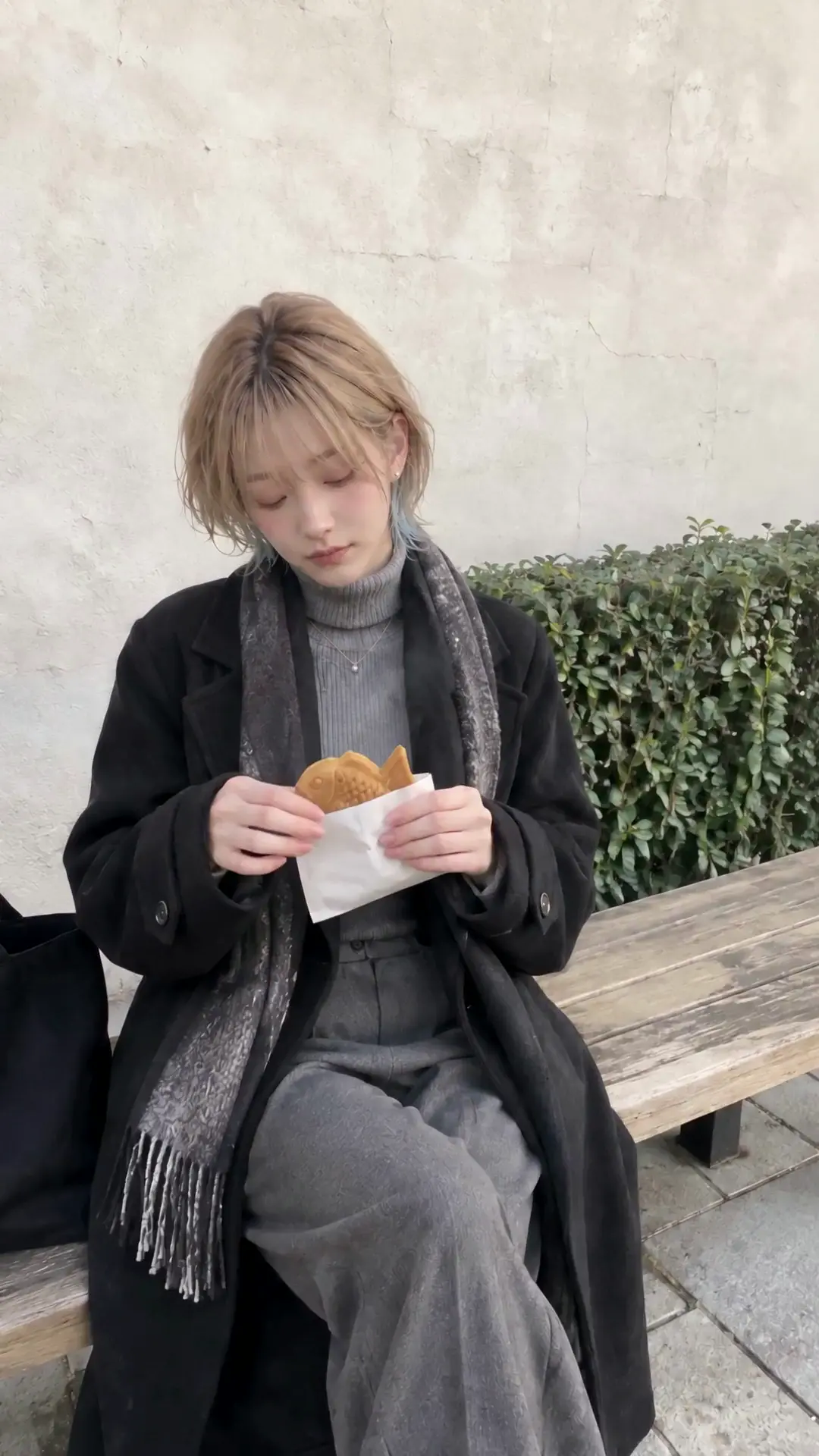
Image 1 is the face and identity reference. A young Korean woman in her early twenties with EXACTLY the face of @Image 1 — same facial structure, same features, natural Korean skin, no glasses. Long pastel pink hair, wearing a 1940s teal-orange wool coat-dress with white collar, a brown leather satchel worn cross-body, grey knee socks, black leather shoes, holding a folded yellow envelope. Every shot of her matches @Image 1.

Read full prompt
[Image 1](image_1) is the face and identity reference. A young Korean woman in her early twenties with EXACTLY the face of @[Image 1](image_1) — same facial structure, same features, natural Korean skin, no glasses. Long pastel pink hair, wearing a 1940s teal-orange wool coat-dress with white collar, a brown leather satchel worn cross-body, grey knee socks, black leather shoes, holding a folded yellow envelope. Every shot of her matches @[Image 1](image_1). 1940s Venice at golden hour. Amber and teal cinematic grade, anamorphic 35mm film look, shallow depth of field, volumetric god rays, fine film grain. Inception-style folding architecture — the Venetian city curls upward and hangs inverted overhead like a mirrored ceiling. The woman always stays under normal gravity while the world folds around her. Continuous camera motion, no hard cuts. [TIMELINE PROMPT] 0–3s: Lateral tracking shot along a stone quay by the Grand Canal at sunset. The young woman @[Image 1](image_1) in a teal coat sprints past camera, clutching a yellow envelope. Above her the entire city hangs upside down, mirrored — a man in a bowler hat walks a dachshund across the inverted street. A red umbrella drifts weightlessly between the two worlds. Pigeons scatter through the amber light. 3–6s: Camera follows behind her into a narrow Venetian alley, dry leaves swirling in her wake. At the far end the street peels upward into the sky, buildings stacking vertically like a wall of windows. Her footsteps echo between the stone walls. 6–9s: The camera slowly rolls 90 degrees. The alley wall becomes the ground beneath her feet; she keeps running, unfazed. The roll continues into a wide orbit as she races up a floating spiral stone staircase suspended in mid-air, fragments of terracotta Venetian rooftops rotating around her like a kaleidoscope. 9–12s: Extreme wide silhouette. She runs across the top of an arched stone bridge over a wide canal against the blazing setting sun. The mirrored city hangs both above and below the arch. On the inverted plane, a lone pedestrian walks the opposite direction. Birds burst across the frame in slow motion. 12–15s: Low angle looking straight up between two towering building walls, the sky a thin bright strip. She leaps across the vertical chasm, arms spread wide, coat and hair flying, satchel swinging. Camera holds on her against the sky. Wind roars. 15–18s: Handheld push-in through a crowded 1940s Rialto market street — vendors stacking crates of apples, laundry strung overhead between the buildings. She weaves between blurred foreground shoppers, running away from camera. An apple rolls loose across the cobblestones. 18–21s: Camera tilts up a grand brick bell tower — a Venetian campanile — as the surrounding city folds and curls around it. The woman appears tiny on the tower ledge, pauses against the sun, then steps off toward the rooftops. Bells begin to ring. 21–24s: Rooftop terrace garden framed by a rose-covered arbor. An elderly woman in a grey cardigan waters a bed of vivid flowers with a tin can. Behind her, Venice and the domes of St Mark's Basilica glow at sunset over the lagoon while the inverted city hangs overhead. The young woman balances along the stone balustrade, arms out, then jumps down onto the terrace. 24–27s: She holds out the yellow envelope. The old woman turns, sets down the watering can, and takes it. Both smile warmly at each other. Rose petals drift upward past them, falling toward the inverted sky. 27–30s: Camera pulls back and rises fast. The whole city folds and rotates until it becomes a top-down aerial of Venice's canals and streets curling into a sphere. The two tiny figures remain on the terrace. Slow fade to warm light.
Use this prompt Add the reference image as @Image1.
Text to Video

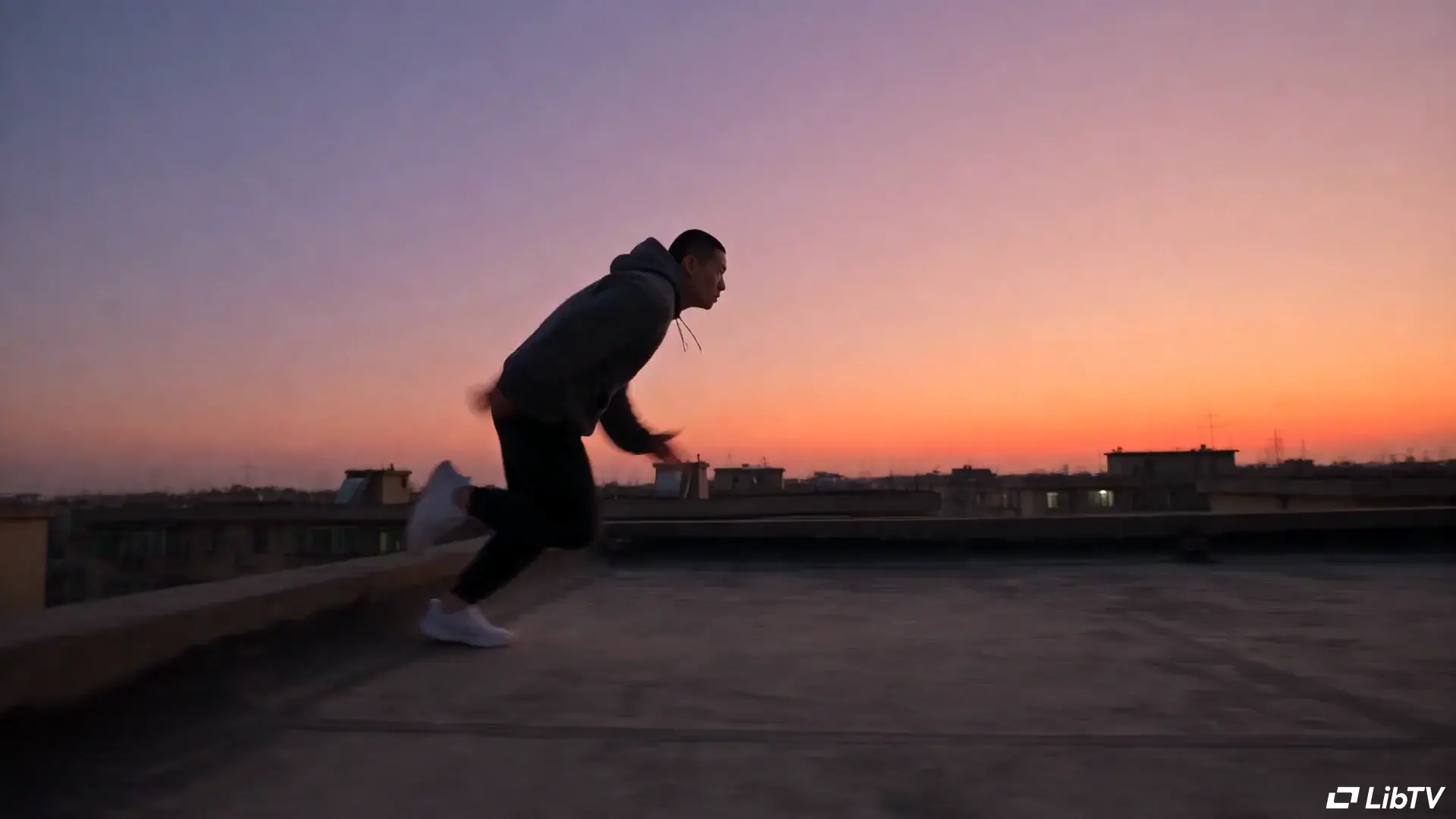
A Rooftop Rescue

30-second cinematic rooftop rescue: An overweight man hangs from a rooftop ledge, desperately shouting, “HELP ME!” A Siberian Husky grabs a fabric strap on his jacket and tries to help pull him up.

Read full prompt
30-second cinematic rooftop rescue: An overweight man hangs from a rooftop ledge, desperately shouting, “HELP ME!” A Siberian Husky grabs a fabric strap on his jacket and tries to help pull him up. Suddenly, a cardboard food box opens nearby. The Husky instantly hears it, releases the strap, and sprints toward the food, leaving the shocked man shouting, “YOU’RE LEAVING ME FOR FOOD?!” The Husky grabs the meat and unexpectedly returns. It drops the food, grabs the rescue strap again, and helps the man climb safely onto the rooftop. The man laughs, hugs the Husky, and says, “YOU LEFT ME FOR FOOD... AND CAME BACK A HERO.” The dog licks his face as they sit together overlooking the city at sunset. Style: ultra-realistic cinematic 3D, natural physics, consistent Husky, realistic sounds, dramatic-to-heartwarming mood, no cartoon effects.

Image to Video

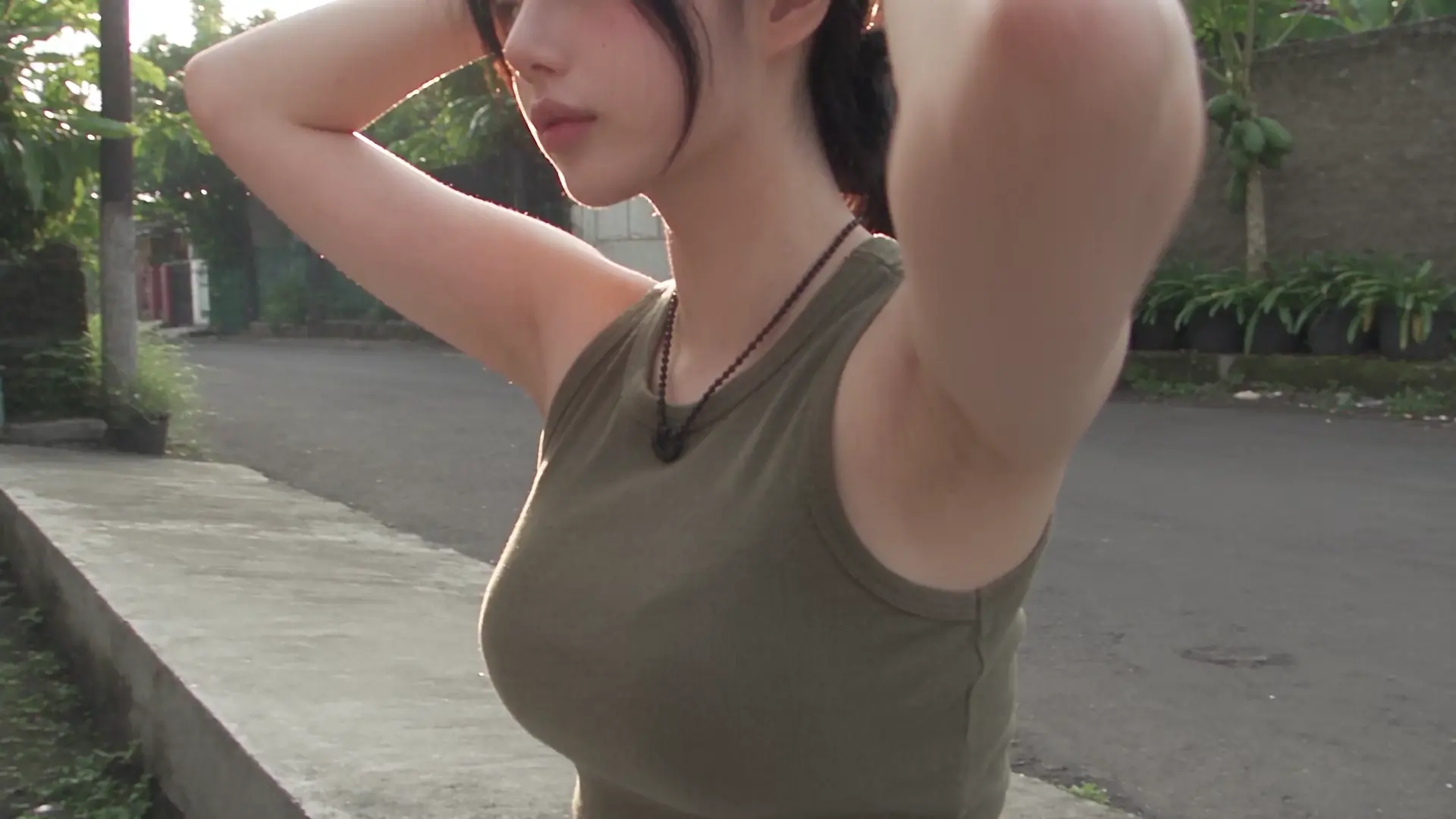
A Neighborhood on DV

image = Main Subject. Preserve her exact identity, face, hairstyle, skin tone, body proportions, and outfit from the reference throughout.

Read full prompt
image = Main Subject. Preserve her exact identity, face, hairstyle, skin tone, body proportions, and outfit from the reference throughout. Create a raw early-2000s Southeast Asian/Korean home-video aesthetic in a quiet residential neighborhood: narrow concrete alleys, simple houses, terraces, clotheslines, potted plants, parked motorcycles, large trees, and tangled overhead wires. No shops or commercial activity. Strong authentic DV-camcorder realism: heavy handheld shake, imperfect framing, frequent reframing, subject often near frame edges, occasional face cropping, autofocus hunting, focus breathing, exposure fluctuations, motion blur, rolling shutter, faded/desaturated colors, washed highlights, digital noise and compression artifacts. No stabilization, cinematic lighting, glamour, posing, or modern color grading. 00:00–00:03 — Sitting beside the street, she fixes her messy ponytail with both hands and smiles naturally. 00:03–00:06 — Loose close-up; she looks away and smiles as sunlight falls across her face. 00:06–00:09 — Walks into a narrow alley, crouches and feeds a neighborhood cat beside a house terrace. 00:09–00:12 — Three-quarter side shot; she waves and softly says, “Hai.” 00:12–00:15 — Walks through the neighborhood while lighting a cigarette, glancing at camera with a playful smile. 00:15–00:18 — Low handheld shot of her walking as a cat follows behind. 00:18–00:22 — At her house, she hangs freshly washed clothes on a clothesline. 00:22–00:26 — Sits on the terrace drinking coffee, looking toward the quiet street. 00:26–00:30 — Walks with coffee, notices camera, turns and smiles naturally; abrupt cut to black. Natural ambience only: birds, breeze, distant motorcycles, neighborhood sounds, cat, footsteps, leaves, and coffee-cup sounds. No music. 16:9.
Use this prompt Add a starting image.

Image to Video

Classroom After the Bell

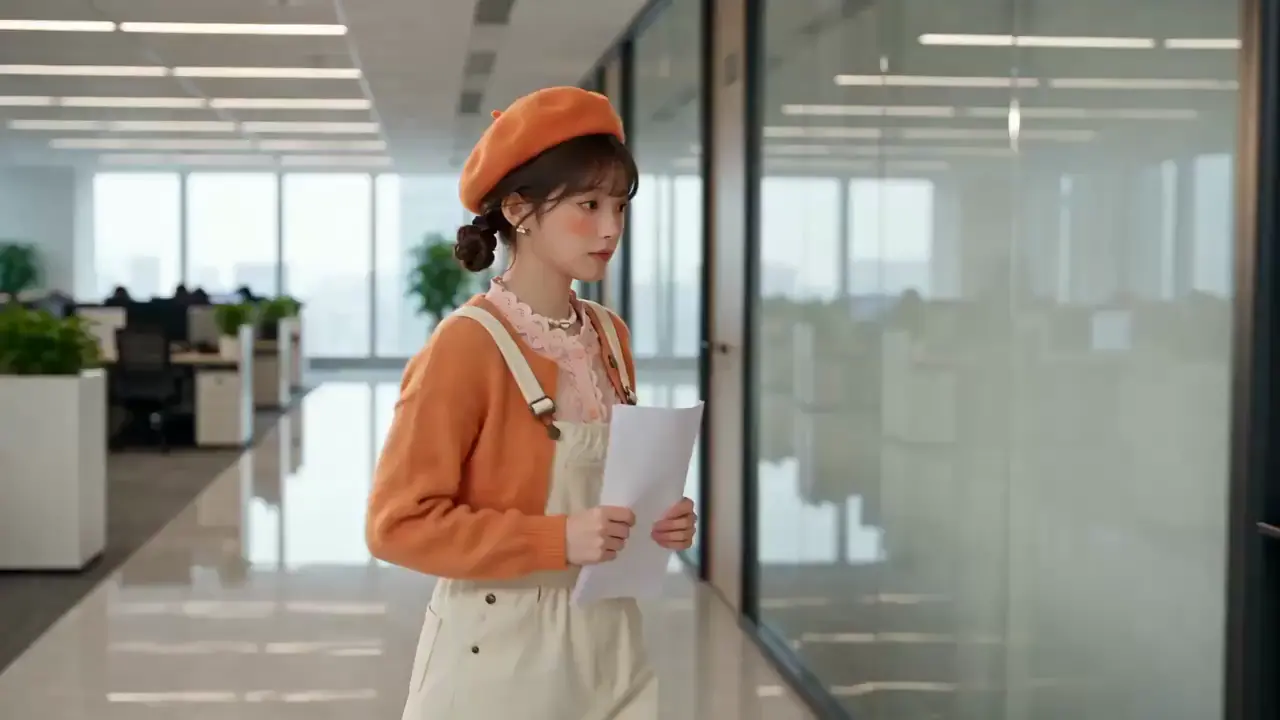
Create a short, ultra-realistic Japanese high-school horror-action sequence featuring the female teacher from the reference image. She is teaching normally when a single drop of blood falls onto a student’s notebook. Everyone looks up as the ceiling suddenly cracks and a zombie crashes into the classroom, sending students into panic. As they rush for the exit, another student suddenly reveals he is already infected, turning the classroom into chaos. The teacher grabs a heavy wooden bench and fights back while several students use chairs and desks to defend themselves. They eventually knock down the attackers and barricade the door. Just as the room becomes silent, a deep zombie groan echoes from the hallway. The teacher slowly turns toward the blocked door as the handle begins to move.

Read full prompt
Create a short, ultra-realistic Japanese high-school horror-action sequence featuring the female teacher from the reference image. She is teaching normally when a single drop of blood falls onto a student’s notebook. Everyone looks up as the ceiling suddenly cracks and a zombie crashes into the classroom, sending students into panic. As they rush for the exit, another student suddenly reveals he is already infected, turning the classroom into chaos. The teacher grabs a heavy wooden bench and fights back while several students use chairs and desks to defend themselves. They eventually knock down the attackers and barricade the door. Just as the room becomes silent, a deep zombie groan echoes from the hallway. The teacher slowly turns toward the blocked door as the handle begins to move. Photorealistic live-action, practical-effects horror, realistic Japanese classroom, natural handheld camera, authentic reactions, realistic physics, muted cinematic grading, diegetic sound only. No music, narration, excessive gore, graphic injuries, animation, anime, cartoon, CGI look, distorted anatomy, subtitles, text, or watermark.
Use this prompt Add a starting image.

Three Ways to Start Creating

Text to Video

Describe a place, an action or a sequence of shots. Set the mood, camera movement and sound direction without preparing an image first.

Create from Text

Image to Video

Bring a portrait, product photo or illustration into motion. Tell MAGI-2 what should move, what should remain recognizable and how the camera should travel.

Animate an Image

Reference to Video

Combine visual references, motion footage and audio cues to guide a new scene. Give each asset a role instead of forcing one image to explain the entire idea.

Review the estimated cost before generating.

Create with References

Give Your Story Room to Develop

A beginning, a change and a payoff can fit into one generation. MAGI-2 supports clips up to 30 seconds, allowing you to plan a sequence instead of squeezing every idea into a few frames.

An example 30-second shot plan

Time Visual direction Audio direction
00–06s Wide shot of a closed rooftop greenhouse at dawn. Light wind and distant city ambience.
06–13s A gardener steps inside and places a small seedling on a table. Footsteps and a soft latch click.
13–22s Move closer as the gardener turns the pot toward the sunlight. Rustling leaves and quiet room tone.
22–30s End on the seedling with the skyline out of focus. A gentle musical resolve.

Use clear beats, a consistent setting and specific cut instructions. Timing is a creative target, not a frame-accurate guarantee.

Read the 30-Second Video Guide

Let Sound Carry Part of the Story

Tell the audience what is happening beyond the frame. A passing train, a whispered line, the click of a product lid or a changing musical texture can make a visual sequence easier to understand.

MAGI-2 can create audio alongside the picture. Describe who speaks, which actions make sound and what the background should sound like. Review dialogue and synchronization before using the final clip.

Read the Sound Guide

Give Each Reference a Job

  • Appearance: an image can establish the look of your subject, wardrobe or product.
  • Movement: a video can communicate pace, action or a camera path.
  • Sound direction: an audio clip can supply a reference for mood, rhythm or performance.

Keep your references relevant and explain which details matter. The model supports multiple reference types, but the files and limits available depend on the selected workflow.

Try Reference to Video

Create for the Screen You're Working On

Short-form storytelling

Develop a vertical hook, reveal and ending for social video. Plan the first few seconds to make the story understandable without a long introduction.

Product launches

Use a product image to anchor the appearance of an item while exploring lighting, camera movement and a short commercial concept.

Animation and concept films

Bring visual development material into motion. Experiment with transitions, atmosphere and staging before committing to a longer production.

Previsualization

Translate a shot list into a moving concept to discuss pacing, composition and sound with your team.

How to Use MAGI-2 Online

  1. Choose your starting point

    Write a prompt, add an image or select reference media.

  2. Describe the sequence

    Specify the subject, action, camera direction and important sound cues.

  3. Set the output

    Select an available duration, aspect ratio and audio option. Review the estimated cost.

  4. Generate and review

    Check continuity, visual details and sound. Revise the prompt if needed, then save the result using the available download option.

Read the Beginner’s Guide

Meet the MAGI-2 Video Model

Developed by Sand.ai and introduced on November 24, 2026, the flagship MAGI-2 model follows an earlier research release called MAGI-2 Preview. The new model is designed for longer audiovisual scenes and flexible media conditioning.

Specification Flagship model
Model size 480B total parameters, about 28B active
Output Up to 1080p at 25 fps
Maximum duration 30 seconds
Inputs Text, images, video and audio references
Sound Generated alongside video

Check the generator for the settings and limits available here. Complex action, long sequences and busy soundtracks can still require multiple attempts.

Compare MAGI-2 and Preview

Plan Your Generation Budget

MAGI-2 Video Creation Guides

Explore all guides

Frequently Asked Questions

What is MAGI-2 AI?

MAGI-2 is a video generation model developed by Sand.ai. It accepts creative instructions and supported media references to produce video, with the ability to generate accompanying sound.

Where can I try MAGI-2 online?

Sand.ai identifies its API platform and VidMuse as access routes. Higgsfield also offers a hosted integration.

Can MAGI-2 generate 30-second videos?

Yes, the flagship model supports up to 30 seconds per generation. Shorter clips are useful for testing movement and style before attempting a longer sequence.

Does MAGI-2 generate 1080p video with sound?

The flagship model supports 1080p output and audiovisual generation. Sound can include speech, environmental audio and effects. The available controls depend on the mode.

Is MAGI-2 free to use?

Check the pricing page for credit and trial details when account offers are available.

Does this website provide a MAGI-2 API?

The service is designed around the online video workspace.

Can I use an existing video as a reference?

Yes, the underlying model accepts video references. Reference to Video explains how to use an existing clip as guidance rather than assuming it will be reproduced exactly.

Is MAGI-2 open source?

The earlier MAGI-2 Preview has publicly released code and weights. As of November 25, 2026, Sand.ai has announced plans to release the flagship model but its full weights have not been verified as publicly available.

Can I use the videos commercially?

Commercial use depends on the applicable model provider and platform terms, and on your rights to the input material. Review those conditions before publishing client or advertising work.

Your Next Scene Starts with a Direction

Choose what you want to show, how it moves and what the audience should hear.

Explore the Workspace