
Creative references
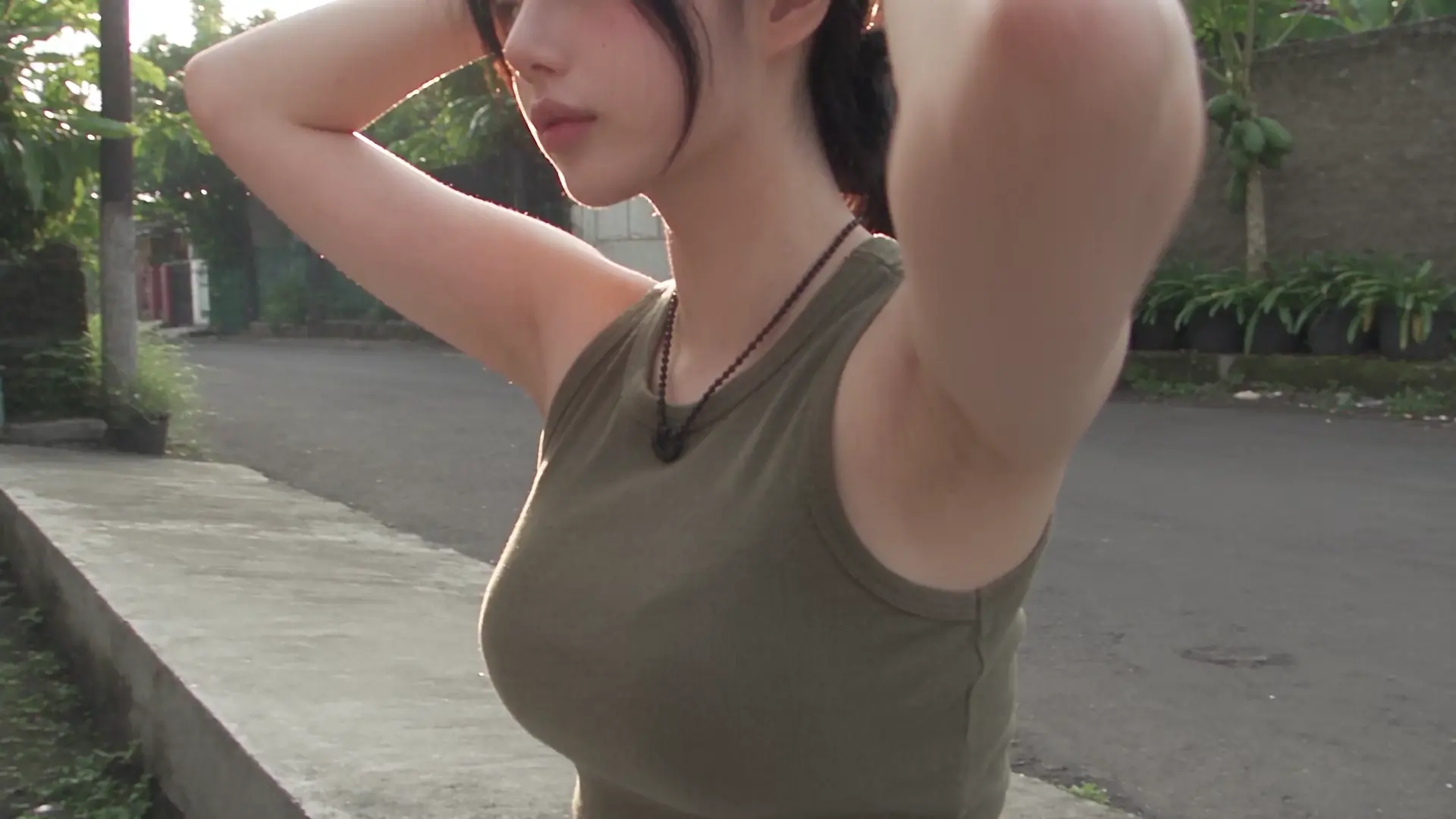
MAGI-2 Reference-to-Video: How to Keep Characters Consistent
A recognizable character is more than a face. Clothing, silhouette, hairstyle, color palette and accessories all help the viewer understand that the same person appears across a scene. When generating AI video from references, the challenge is to communicate those details without restricting the movement the story needs.
Prepare a reference that answers a visual question
Start with an original character image that clearly shows the defining features. For a fictional explorer, that might be a cropped red jacket, round glasses and a small canvas satchel. Add a second view only when it reveals useful information, such as the side profile or the shape of the satchel. Avoid a collection of unrelated images that describe conflicting outfits.
| Asset | Intended role | What not to imply |
|---|---|---|
| Character image | Identity, outfit and important visual details | Exact pixel-for-pixel replication |
| Environment image | Location, palette and lighting direction | A different character identity |
| Motion clip | Movement or camera pacing | Copying the source actor or location |
Use the upload types and limits shown by your generator. The ideal reference set is the smallest one that communicates your intention.
Assign a purpose to each reference
A reference is useful when the prompt explains what it should control. Rather than asking the model to combine all uploaded material, give the assets separate roles.
Original example: Image A shows an original illustrated explorer wearing a red jacket and round glasses. Image B shows a stone greenhouse with green-tinted light. Video A is an authorized clip demonstrating a slow sideways camera movement.
Use the available reference controls to distinguish appearance, setting, and motion.
Keep changes intentional
Avoid asking for a major costume change, dramatic lighting shift and fast camera movement in the same moment when continuity is your main goal. Start with a steady, short scene. Once the appearance is stable enough for the project, introduce one more demanding action.
Check continuity after generation
Inspect the beginning, middle and end of the result. Look for changes in glasses shape, hair, clothing details and accessories. Watch how the face and body appear during turns. Compare the output against the original design, not just against the previous frame.
If the result changes too much, improve reference clarity, remove contradictory assets or simplify motion. A second generation may help, but there is no guarantee of identical appearance across all shots or separate requests.
Create a reusable character workflow
Keep your authorized reference files, the successful prompt, model version, output settings and notes in one project folder. For a new scene, keep the defining character description stable while changing the location and action. This gives you a more repeatable workflow without promising deterministic results.
Try a reference-guided scene
Open MAGI-2 reference to video, upload your authorized assets and describe what each one should contribute. If all you need is movement from a single still, try image to video instead.
Related reading: 30-second scene planning.
Read nextWhat Is MAGI-2 AI? Why Creators Are Paying Attention