
Scene planning
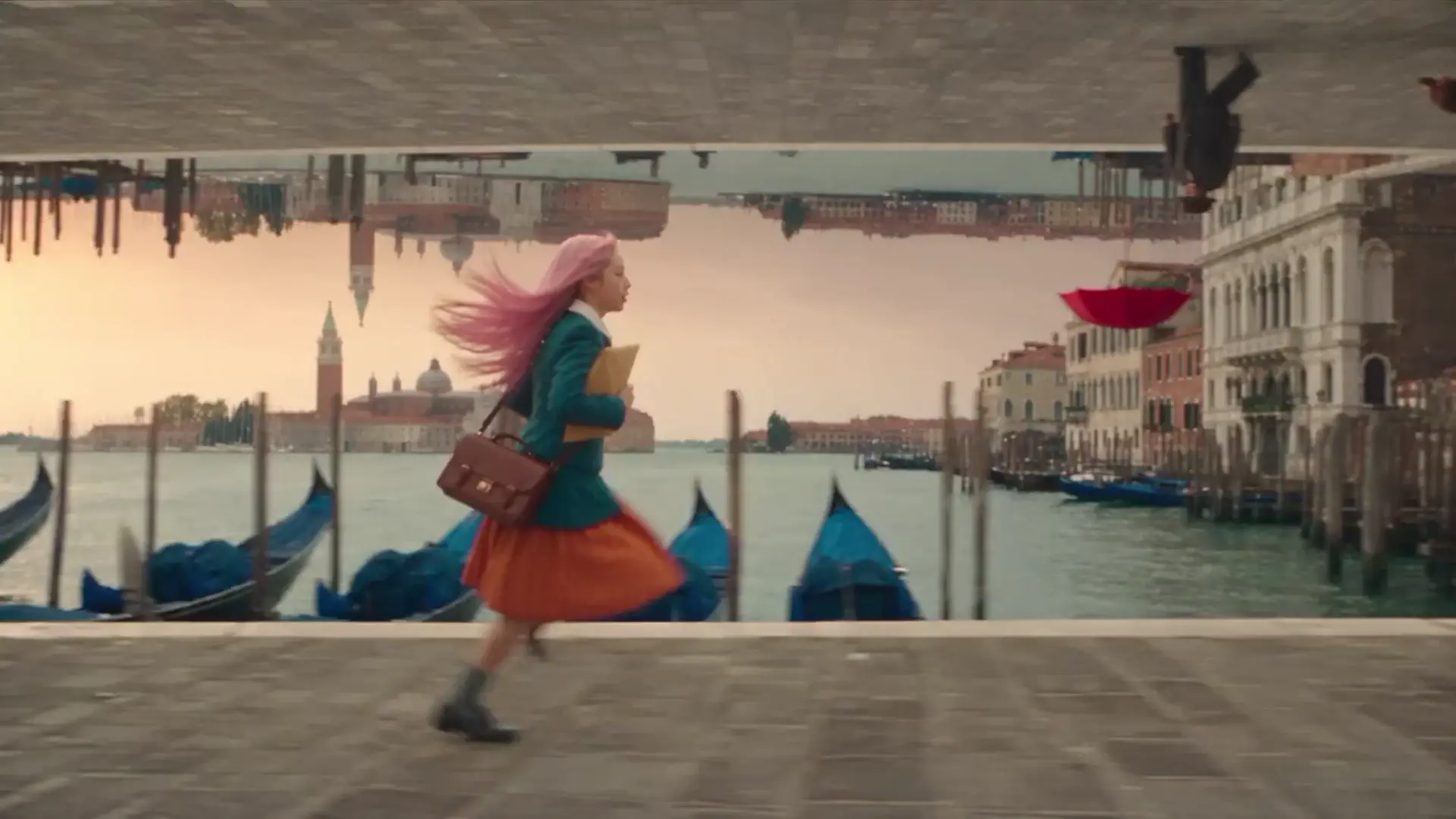
How to Create a 30-Second Video with MAGI-2
Thirty seconds is enough time for a viewer to notice a problem, anticipate a change and see a resolution. It is also enough time for an overloaded prompt to become difficult to follow. The best starting point for a longer AI video is a small story with a clearly defined structure.
Start with one event, not a collection of shots
A 30-second scene does not need ten different locations. Pick one event: a repair succeeds, a package is opened, a traveler arrives or a product solves a problem. Limit the number of subjects and avoid changing their appearance without a reason.
Divide the story into four beats
| Time | Story purpose | Example: a lantern maker |
|---|---|---|
| 0–6s | Establish the setting | A dim workshop and an unlit lantern |
| 6–14s | Introduce the action | The maker adjusts the lantern mechanism |
| 14–23s | Reveal a change | The lantern lights up and illuminates the workbench |
| 23–30s | Resolve the scene | The maker steps back as the light settles |
These ranges communicate the intended sequence. They are creative directions, not frame-accurate editing commands. Review the generated timing rather than assuming the cuts will happen on exact seconds.
Make the camera follow the story
A wide shot establishes the relationship between subject and environment. A close shot highlights the decisive detail. A reaction communicates why it matters. Use camera movement when it reveals new information; avoid asking the camera to orbit, zoom, shake and cut simultaneously without a narrative purpose.
Test before committing to a longer render
Generate a short version of the critical action first. For the lantern scene, that could be the moment the light turns on. If the mechanism or product geometry changes too much, improve the prompt or provide an appropriate reference before attempting the longer sequence.
A 30-second video may require more credits than your initial balance. Check pricing and the generation estimate before submitting. Longer does not always mean more useful: a short, coherent result can be better than a full sequence with continuity problems.
Review the video in passes
First, check the story without focusing on imperfections. Next, inspect subject identity, objects and backgrounds across the cuts. Finally, listen for unwanted sounds or abrupt changes in ambience. If the final action is missing, simplify earlier events or revise the timing description.
Try your own 30-second story
Open MAGI-2 text to video and replace the lantern with your own subject. For scenes involving a specific character, read our character consistency guide.
Model capability source: Higgsfield MAGI-2 introduction.
Read nextHow to Generate AI Videos with Sound Using MAGI-2